
Declined Payments
Reports → Declined Payments lists every declined transaction in the selected window, with the status code and description explaining each decline. It is the page to start from when approval rates drop or a batch of customers reports failed payments.
Requires: manage reports.
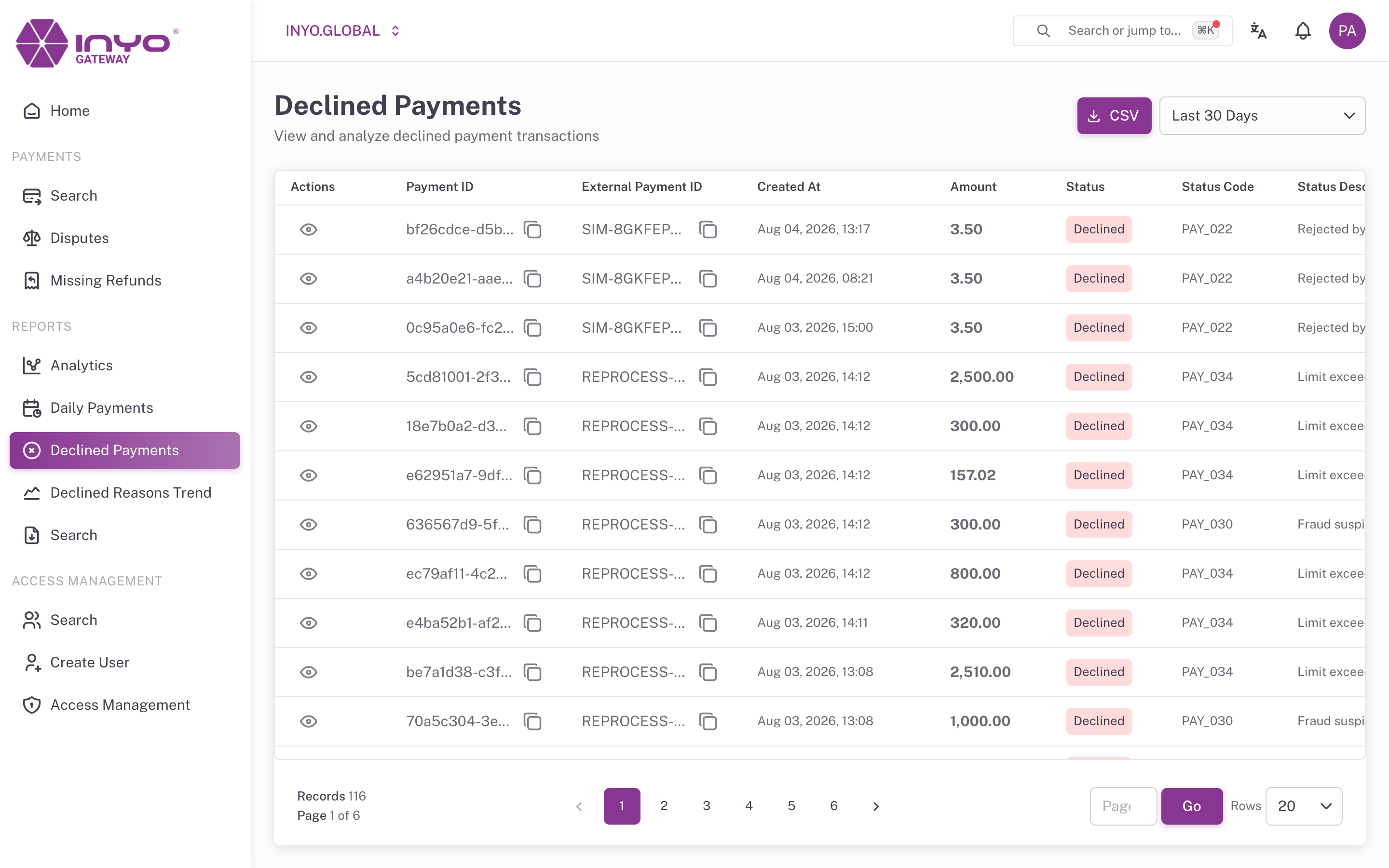
The Table
Select a Date Interval — Last 7, 30 (default), 60, 90, or 120 days. Results are paginated at 20 rows.
| Column | Notes |
|---|---|
| Actions | Opens the payment's details page |
| Payment ID / External Payment ID | Gateway and your-system references |
| Created At | Decline timestamp |
| Amount | Amount attempted |
| Status / Status Code / Status Description | The decline and its reason |
| Target | Destination of the transaction |
| Card | Masked card number |
| Customer Name / Email / Phone Number | Customer identity |
Status codes are the Gateway's response codes — the full list with customer-facing message mappings is in Response Code. Remember: show customers the mapped category, never the raw internal code.
CSV Export
The download button exports the entire result set for the selected interval (not just the visible page) as declined-payments-<interval>-days.csv — ready for pivoting by status code, BIN, or customer in a spreadsheet.
From Symptom to Cause
- Spot the spike in Analytics (Decline Rate card or the Payments-by-status chart)
- Open Declined Payments for the matching interval and group by Status Description — one dominant code usually points at the cause (issuer rule, expired-card batch, fraud-rule change)
- For rule-level trends over time, switch to Declined Reasons Trend