
Analytics
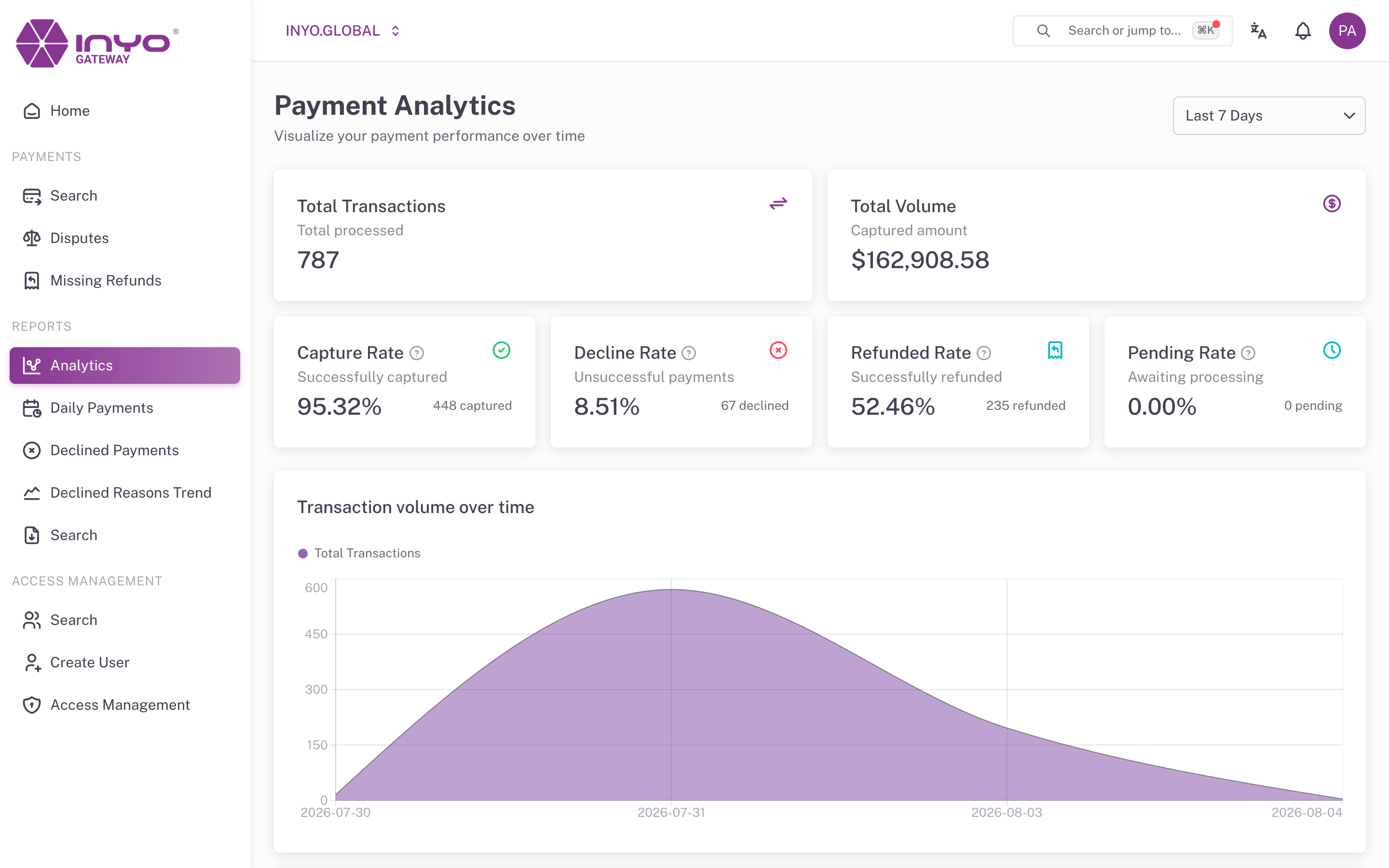
Reports → Analytics is the main performance view: rates and trends over a selectable window, broken down by day and by status. Use it for weekly reviews, spotting approval-rate regressions, and watching the effect of changes on decline behavior.
Requires: manage reports.
Choosing the Window
The interval selector offers Last 7 Days (default), 30, 60, 90, or 120 Days. The selection is kept in the URL, so a specific view can be bookmarked or shared.
KPI Cards
| Card | Denominator |
|---|---|
| Total Transactions | — |
| Total Volume | — |
| Authorized Rate | All transactions in the window |
| Capture Rate | Authorized transactions |
| Decline Rate | All transactions |
| Refunded Rate | All transactions |
| Pending Rate | All transactions |
Each card carries a tooltip stating its exact denominator — worth checking before quoting a rate, since Capture Rate is relative to authorizations, not to everything.
Charts
- Transaction volume over time — daily totals with a pending series
- Transaction Amount Trends ($) — daily amounts by status: Captured, Declined, Authorized, Pending, Refunded, Voided
- Payments by status — daily transaction counts by status
- AVS Verification Status — daily Address Verification breakdown
- CVC Verification Status — daily Card Verification Code breakdown
Reading it: a widening gap between the Authorized and Captured amount series means authorizations are being left uncaptured — check for stuck integrations or manual capture backlogs in Payments → Search filtered to AUTHORIZED. A decline spike on a specific day pairs naturally with Declined Payments filtered to the same window to identify the reason codes responsible.