
Home
Home is the landing page after sign-in: a same-day snapshot of payment activity for the active organization, with a short trend view for context.
Requires: the view home dashboards permission (see Permissions Reference).
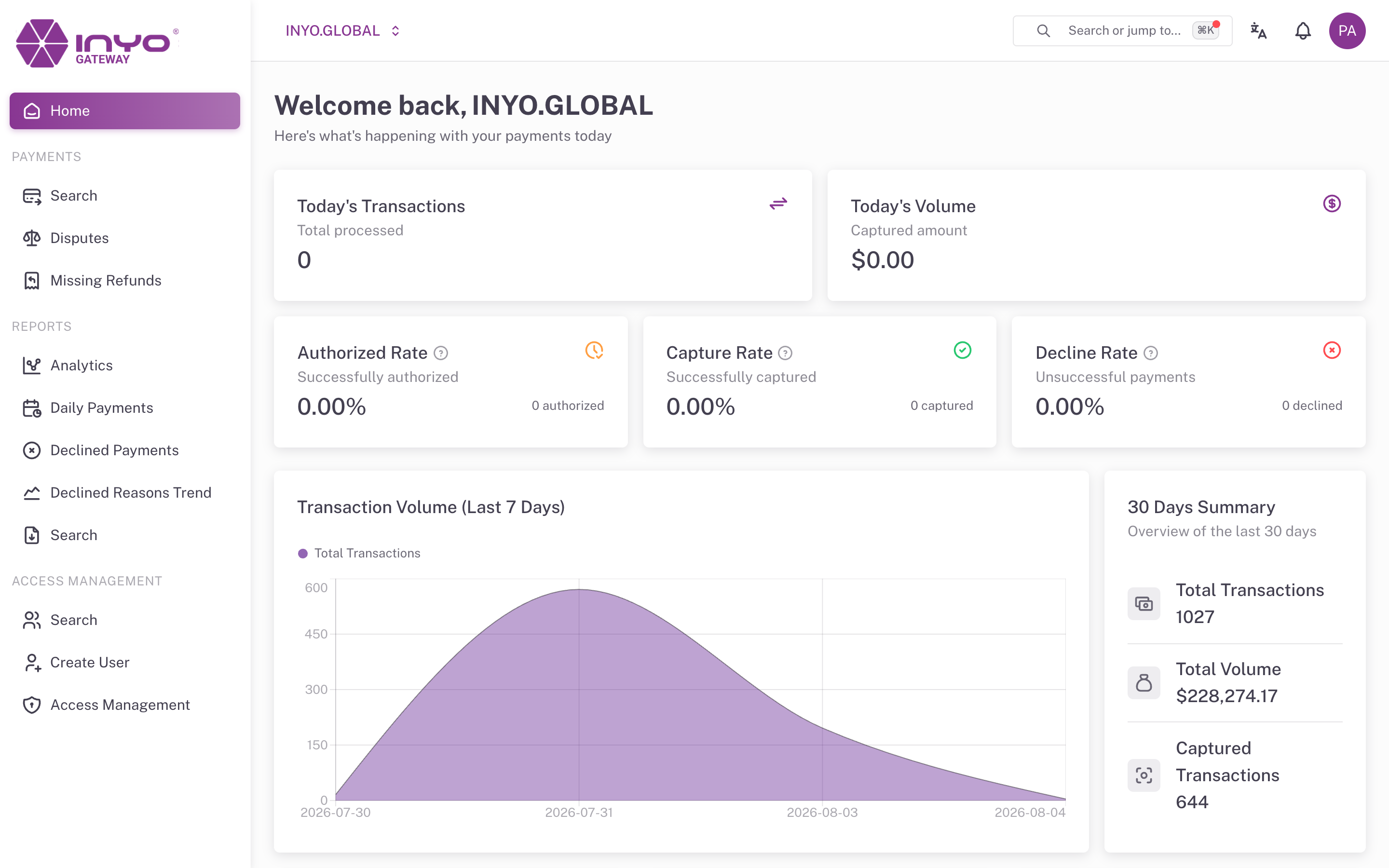
Today's KPIs
| Card | What it shows |
|---|---|
| Today's Transactions | Total transactions processed today |
| Today's Volume | Captured amount today |
| Authorized Rate | Share of today's transactions that were authorized |
| Capture Rate | Share of authorized transactions that were captured |
| Decline Rate | Share of today's transactions that were declined |
Each rate card shows the underlying count (for example 128 authorized) and an info tooltip explaining the denominator — Authorized and Decline rates are calculated over all of today's transactions, while Capture Rate is calculated over today's authorized transactions.
Verification Rates
Two rows of cards break down card-verification outcomes for today:
- AVS — Approved Rate, Failed, and Not Sent Rate (Address Verification System)
- CVC — Approved Rate, Failed, and Not Sent Rate (Card Verification Code)
A rising Not Sent rate usually means an integration is omitting address or CVC data — worth flagging to your developers, since AVS/CVC results feed issuer approval decisions. See Mitigating Fraud.
Trend Panels
- Transaction Volume (Last 7 Days) — an area chart of total daily transactions, for spotting day-over-day anomalies
- 30 Days Summary — Total Transactions, Total Volume, and Captured Transactions over the last 30 days
For deeper analysis with longer windows and per-status breakdowns, use Reports → Analytics.
All timestamps and day boundaries respect the time zone configured in Settings.