What's New
The Dashboard tells you when a feature you can use is added.
The List
The What's new icon in the top bar, next to the notifications bell, opens the list of announcements, newest first. A dot on the icon means there is one you have not seen.
- Opening the list marks everything in it as seen and clears the dot.
- An entry you had not seen keeps its New tag until you reload the page.
- Some entries have a button that takes you straight to the feature.
The Dialog
A feature that deserves your attention is also presented once, in a dialog with a screenshot, the first time you open the Dashboard after it is released.
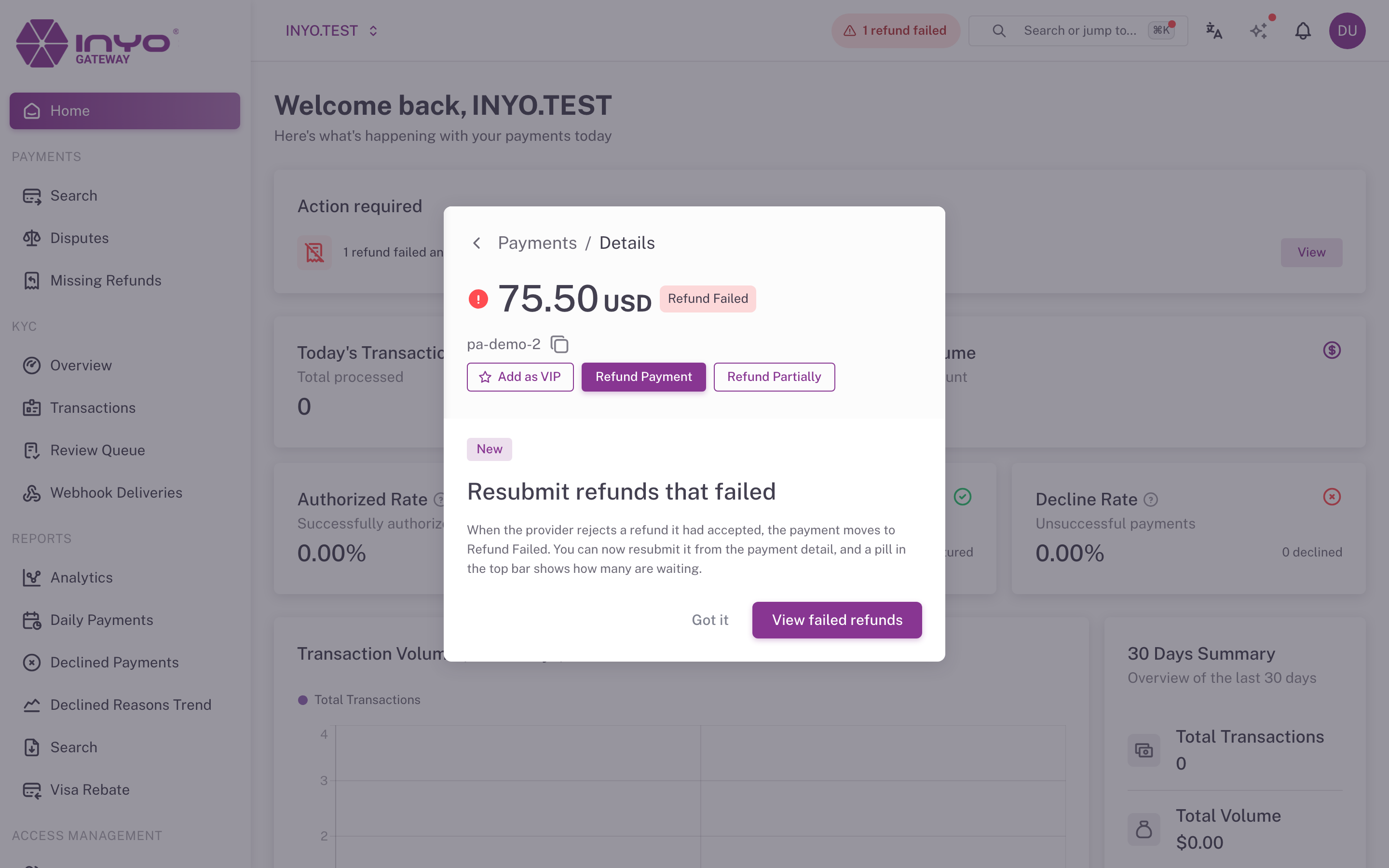
- It appears once per user, on any device, and only for features released in the last 60 days.
- Got it,
Esc, a click outside, or the dialog's button all close it for good. - At most one dialog appears per page load; the others stay in the list.
What You See
Only announcements of features you can use: the list follows your permissions and the companies you work with. If you do not have access to a feature, its announcement is not shown.